
InterviewAnswerAi listens in to the conversation
It picks up the context of your meeting in real time, so it can help when you need it.
00:00
Recording
interviewansweraiは完璧な議事と通話中のリアルタイム回答を、完全に検知されにくい形で提供します

User Guide
Capture a screenshot or record your question.
To get an answer, pressCmdEnteror clickSend.
Shortcuts


It picks up the context of your meeting in real time, so it can help when you need it.
00:00
Hit Cmd/Ctrl + Enter and InterviewAnswerAi helps you with AI in the moment.
InterviewAnswerAi is an AI meeting assistant that listens in real time, understands what's being said, and gives you instant answers, notes, and next steps.
Live transcript
Follow every question, answer, and action point in real time with high-accuracy transcription.
Instant assist
Ask AI what to say and receive concise, affordable recommendations without interrupting your conversation.
Global support
Designed for distributed teams with fast responses and consistent quality across international meetings.
The interview platforms where the affordable, undetectable InterviewAnswerAI has been proven to work well.
 ZoomUndetectable, checked 4h ago.
 Microsoft TeamsUndetectable, checked 4h ago.
 Google MeetUndetectable, checked 4h ago.
 WebexUndetectable, checked 4h ago.
 Lark/FeishuUndetectable, checked 4h ago.
 Amazon ChimeUndetectable, checked 4h ago.
 HackerRankUndetectable, checked 4h ago.
Rob Parsley
Project Manager
Upload once and get instant interview answers matched to your experience and background.
Our platform integrates with major cloud providers. Do you have a preferred cloud environment?
InterviewAnswerAi detects questions automatically and generates answers so you stay prepared and confident.
An affordable suite of features to use InterviewAnswerAi without a trace.
 InterviewAnswerAi
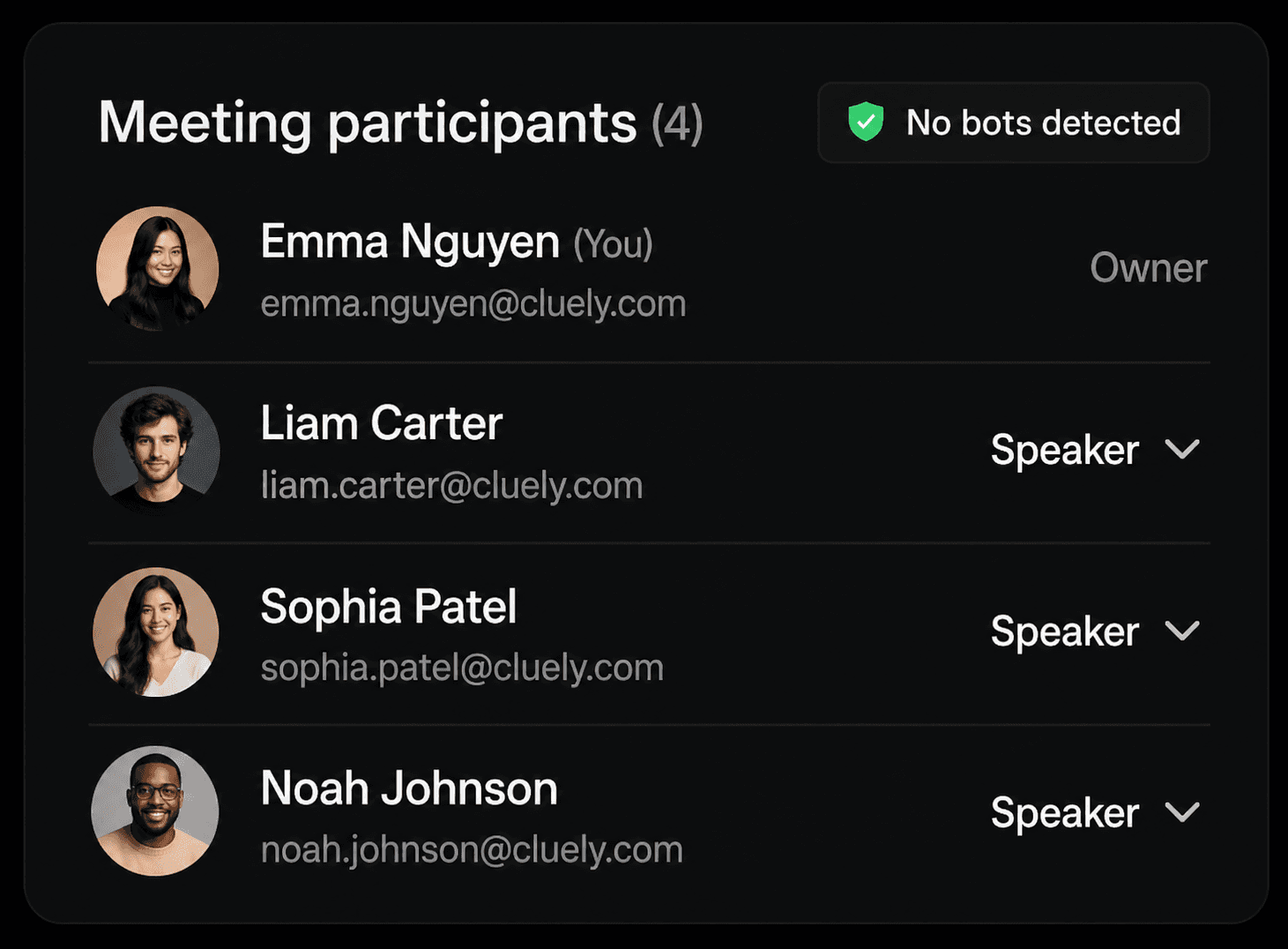
InterviewAnswerAi never joins your meetings, so there are no bots and no extra people on the guest list.
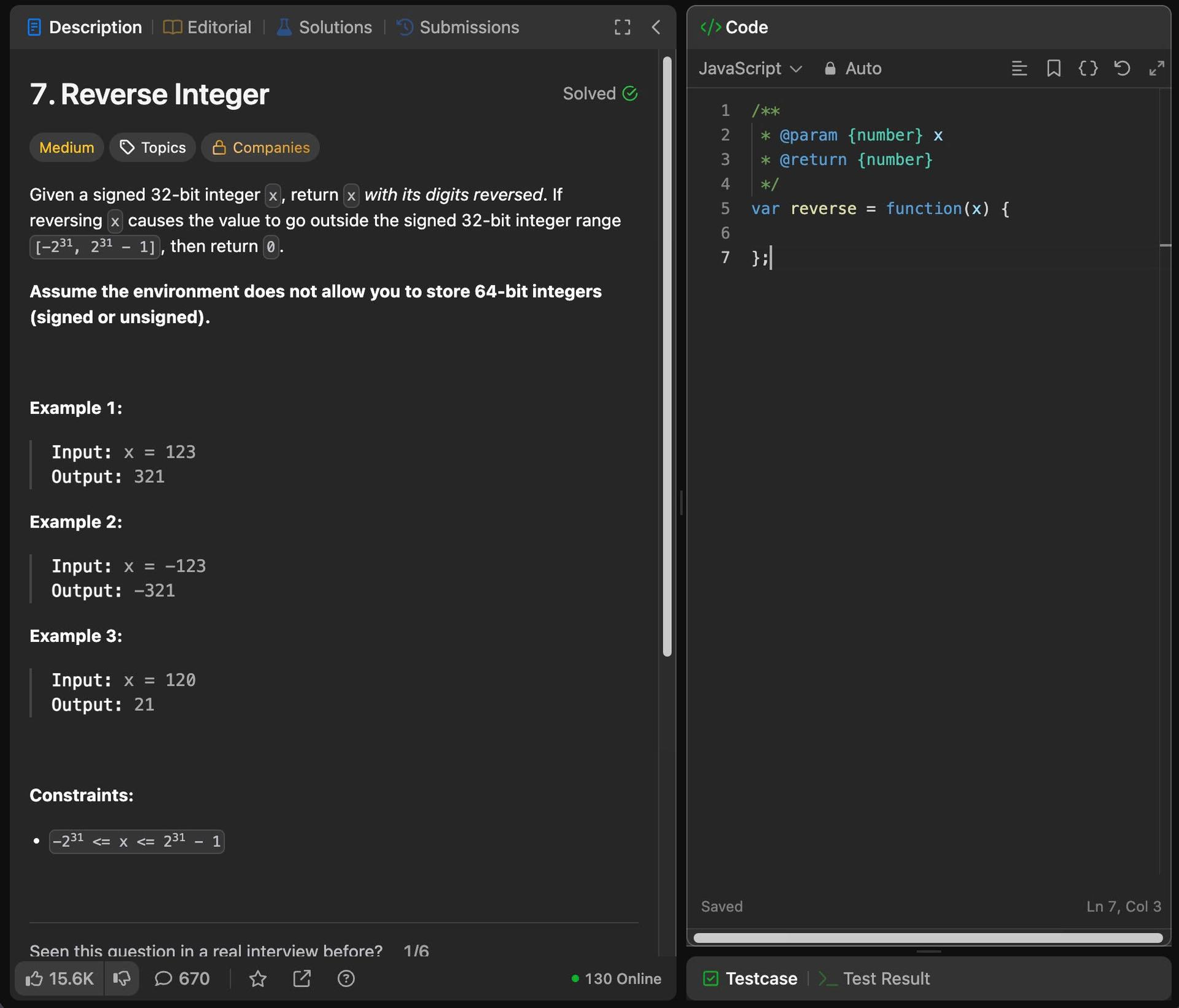
This is a classic problem. The trick here is handling the 32-bit signed integer overflow constraint, especially since we have to simulate that limit manually.
InterviewAnswerAi never appears in shared screens, recordings, or external meeting tools.

 AI Response
InterviewAnswerAi window is fully moveable so you can position it exactly where you're looking.
Undetectability
An affordable, full suite of features designed to keep your assistant available to you while staying invisible to everyone else.
No bots on participant lists, no extra attendees, no disruption to meeting workflows.
Keep support private while presenting; content stays hidden from recordings and shared screens.
Move the assistant window anywhere on your screen for faster, more natural in-meeting help.
All
All languages supported
300ms
Average response time
95%
Transcription accuracy
Launch your next meeting with affordable, real-time notes, instant answers, and private AI support.
サポート
InterviewAnswerAiはすべての通話プラットフォームで動作し、完全にプライベートで見えず、検知されにくい設計です。OSとビデオ通話ソフトは最新版を使い、実際の通話の前に安全な環境で必ずInterviewAnswerAiを試してください。
Zoomをお使いの場合は最新版に更新し、Zoomの設定で「Advanced capture with window filtering」を有効にしてください。画面共有中もInterviewAnswerAiが隠れたままになります。
いいえ。InterviewAnswerAiはシステムレベルで目に見えず動作し、試験監督ソフト、画面共有ツール、録画ソフトには検知されにくいよう設計されています。
はい。InterviewAnswerAiはオンライン試験でよく使われる監督・画面共有ツールに対して見えず、検知されにくいです。
残念ながら、現時点ではInterviewAnswerAiのプロセス名(pmodule)をアクティビティモニターまたはタスクマネージャーで変更する方法はありません。